
Streamlined Navigation That Converts: A Simple UX Guide
Streamlined Navigation That Converts: A Simple UX Guide

People come to your site to solve a problem, not to admire a menu. If your navigation hides the page they want, they will leave before the page fully loads. That friction drains traffic and trust.
Streamlined Navigation That Converts offers a practical framework to audit and optimize your site’s navigation for real people. We’ll define top tasks, reduce menus to three or four clear options, design for mobile, and use breadcrumbs and a search bar effectively. You’ll get a step by step plan, quick tests you can run with your team, and simple metrics to track improvements in task completion and engagement.
Define the Top Tasks
Users come to your site with goals. They want to find a product, read a helpful article, or reach your team for help. The navigation should reflect those goals in plain language so they can reach the right place in as few clicks as possible. If the menu forces people to hunt, they assume the information is hidden or the site is unreliable. Clarity and speed matter more than clever labels.
To get there, start by listening to real conversations and analyzing behavior. Review analytics to spot where people drop off, and talk to a few customers or readers about how they expect to move through your site. Then create a simple map that links top goals to the pages that fulfill them. After you sketch the map, test it with a quick session using fellow teammates or volunteers to see if the path feels natural.
- Identify the top tasks your visitors want to complete
- Map each task to a destination page or section
- Validate assumptions with quick user interviews
- Label navigation items using the language your audience uses
A practical map for many sites looks like this: a central path for discovery, a second path for support or documentation, and a small path for account actions. The goal is to cover core goals with as little friction as possible. Once you finalize top tasks, share the map with a couple of team members to check for blind spots and to confirm that the language matches user expectations.
Simplify Navigation to Three or Four Clear Options
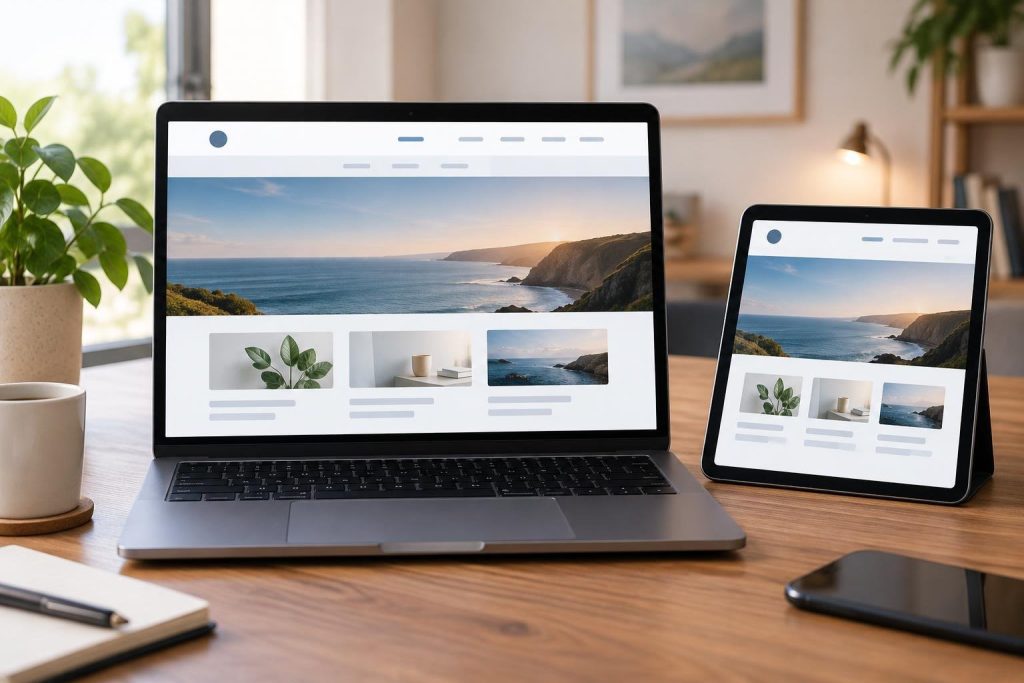
Three or four main navigation items strike a balance between clarity and capability. When you limit options, you reduce cognitive load and speed decision making. Your labels should map directly to user intents, not to every product feature. If you run a blog, one item might be Blog or Resources; if you run ecommerce, you might use Shop and Support for assistance. The key is consistency across pages.
- Focus the main nav on three or four high impact areas
- Use language that matches user thinking, not internal jargon
- Place the most important task first in the visual order
- Keep deepest levels shallow so users never dig more than one click deep
- Pair main nav with a prominent search field
The simplest navigation is the fastest path to a goal.
UX researcher – Webasen Team